
Quick answer: A VPN for IPTV is not required, but it can help with privacy and avoiding ISP throttling — as long as you pick a fast, nearby server.
Key Takeaways
- A VPN protects privacy from your ISP and can prevent throttling.
- A VPN does not fix buffering caused by slow internet or a weak provider.
- Free VPNs are usually too overloaded for smooth streaming.
- Always pick a server close to your real location.
Table of Contents
Do You Need a VPN for IPTV?
Using a VPN for IPTV is not required, but many users choose to run one for privacy and stability reasons. Here’s an honest breakdown of what a VPN actually does — and doesn’t do — for your streaming.
What a VPN Actually Helps With
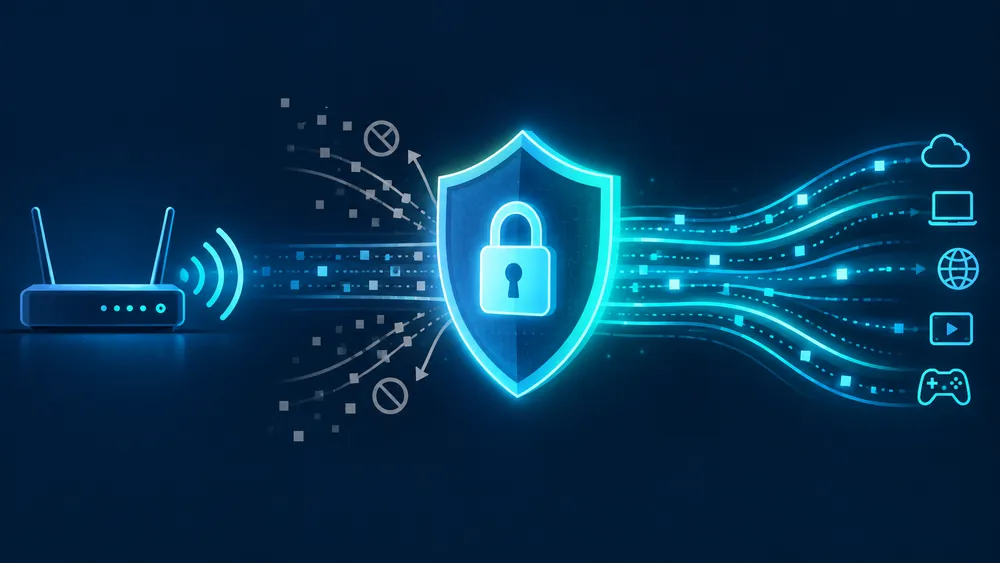
- Privacy from your ISP: a VPN encrypts your traffic so your internet provider can’t see which sites or services you’re connecting to.
- Avoiding ISP throttling: some internet providers slow down streaming traffic during peak hours once they detect it. A VPN can prevent this kind of throttling since your ISP can no longer identify the traffic type.
- Using public or shared Wi-Fi safely: if you stream on a network you don’t fully trust (hotel, shared housing), a VPN adds a layer of security.
What a VPN Won’t Fix
- It won’t fix buffering caused by your own internet speed being too slow — see our buffering fixes guide for that.
- It won’t improve stream quality beyond what your subscription already provides.
- A poorly chosen VPN server can actually make buffering worse by adding distance and encryption overhead — more on this below.
How to Choose a VPN Server Without Slowing Down Your Stream
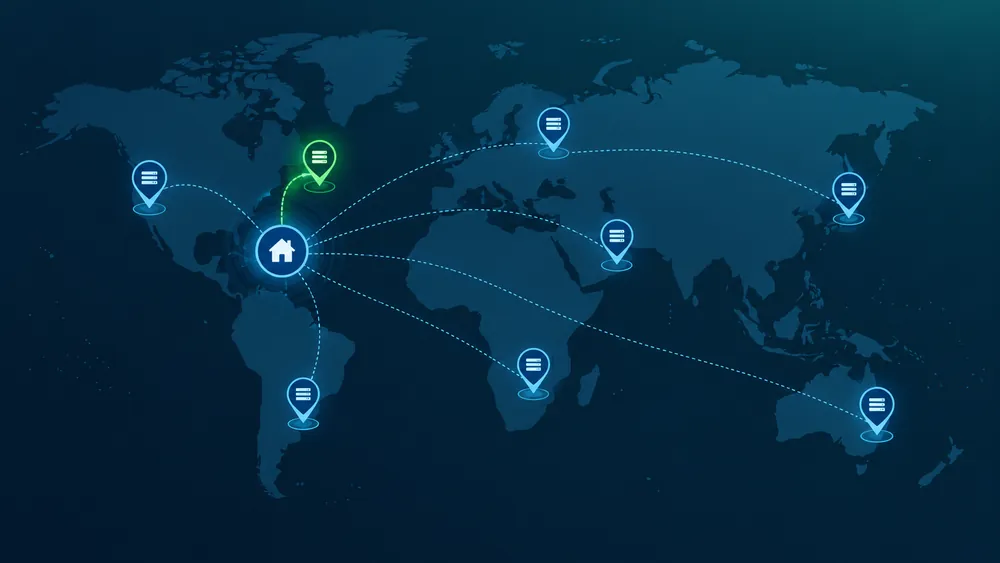
If you decide to use a VPN, the server you pick matters more than the VPN provider’s brand name:
- Pick a server close to your actual location — the further the server, the more latency and speed loss you’ll experience.
- Look for a VPN with dedicated streaming servers — most major VPN providers offer servers optimized for high-bandwidth use.
- Avoid free VPNs for streaming — free services are typically overloaded with users on limited server capacity, which causes exactly the buffering you’re trying to avoid.
- Test the speed before committing — most reputable VPNs offer a free trial or money-back guarantee; run a speed test with the VPN on before assuming it will work well for your setup.
Setting Up a VPN with IPTV
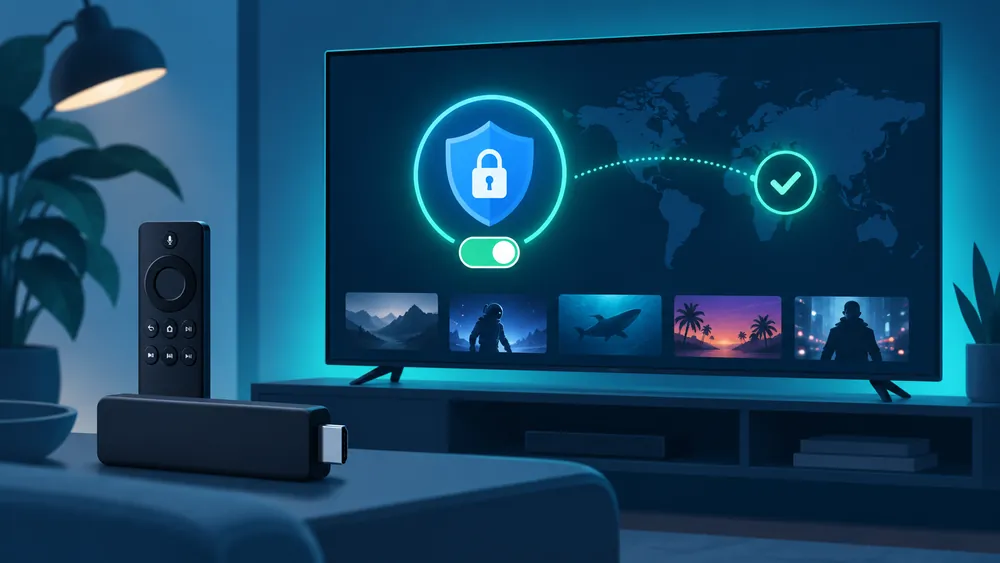
Setting up a VPN for IPTV is simple: install the VPN app on the same device (or on your router for network-wide protection), connect to a nearby server, and then open your IPTV app as usual. If you notice buffering after turning the VPN on, try a different server before giving up on the VPN entirely.
Bottom Line
A VPN for IPTV is optional — it’s a privacy and stability tool, not a fix for a slow connection or an unreliable provider. If buffering or connection issues persist regardless of the VPN, the problem is more likely your internet speed or your IPTV service itself. See our IPTV subscription plans for a service built on stable, optimized servers.
FAQ: VPN for IPTV
Will a VPN improve my IPTV streaming quality?
No — a VPN can protect privacy and reduce ISP throttling, but it can’t increase your actual internet speed or stream quality.
Is it legal to use a VPN with IPTV?
Yes, VPNs are legal tools used for privacy and security in most countries. Always follow your local laws and use legitimate content sources.
Can a VPN slow down my stream?
Yes, if the server is far away or overloaded. Try a closer server or a different VPN provider if this happens.
Do I need a VPN on every device or just one?
You can install it per device, or set it up on your router to protect every device on your network at once.
For more troubleshooting help, check our full IPTV troubleshooting guide.