
Quick answer: The right IPTV buffering fix almost always comes down to internet speed, Wi-Fi signal, or too many devices sharing your connection — not your provider. Work through the fixes below, starting with your connection.
Key Takeaways
- Most buffering is fixed by switching from Wi-Fi to Ethernet.
- 10+ Mbps is the minimum for HD, 25+ Mbps for 4K.
- Closing other apps and devices reduces bandwidth competition.
- If buffering continues after every fix, the issue is likely server-side.
Table of Contents
Why You Need an IPTV Buffering Fix
Buffering is the #1 complaint from IPTV users, and in most cases it has nothing to do with your provider — it comes from your internet connection, your device, or your Wi-Fi setup. Before you blame your subscription, work through the fixes below in order. Most people solve their IPTV buffering fix within the first three steps.
1. Test Your Real Internet Speed
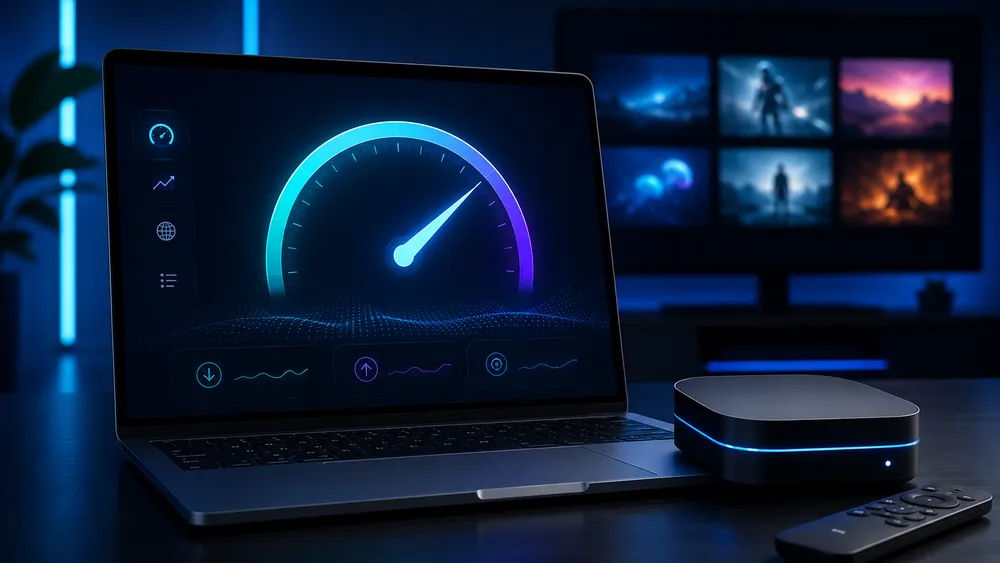
Run a speed test (speedtest.net) on the device you stream on, not just your phone. For smooth HD you need at least 10 Mbps download; for 4K, aim for 25+ Mbps. If your speed is close to the minimum, buffering during peak hours (evenings, live sports) is expected.
2. Use Ethernet Instead of Wi-Fi
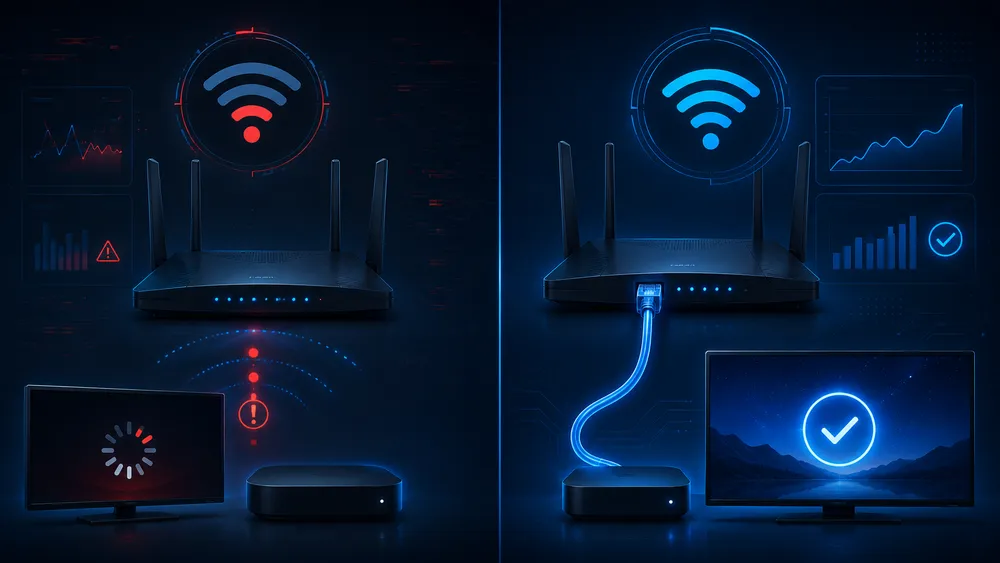
Wi-Fi is the single biggest cause of IPTV buffering. Walls, distance from the router, and interference from other devices all reduce your real speed. A wired Ethernet connection from your router to your streaming device (Firestick with an Ethernet adapter, Smart TV, Android box) is the most reliable fix.
3. Restart Your Router and Modem
Unplug your router and modem for 30 seconds, then plug them back in. Routers accumulate memory issues over days of continuous use — a simple restart clears temporary network glitches that cause buffering.
4. Close Other Apps and Devices Using Bandwidth
Background downloads, cloud backups, video calls, or another device streaming Netflix in 4K will all compete for your bandwidth. Pause other downloads and check how many devices are connected to your network before you start streaming.
5. Lower the Stream Quality
If your connection can’t sustain 4K, switch to HD or SD in your player’s settings. A stable HD stream is always a better experience than a 4K stream that constantly buffers.
6. Update Your IPTV App
Outdated apps (IPTV Smarters Pro, VLC, or your player of choice) can have bugs that cause buffering that newer versions have already fixed. Check your app store or the app’s settings menu for available updates.
7. Clear the App Cache
On Android and Firestick, go to Settings > Apps > [your IPTV app] > Clear Cache. A bloated cache can slow down playback over time, especially on devices with limited storage like the Fire TV Stick.
8. Avoid Peak-Hour Congestion
If buffering happens mostly during big live sports events, part of the issue can be network congestion on your ISP’s side during high-demand hours. Using a wired connection and closing other apps helps, but this factor is partly outside your control.
9. Check If a VPN Is Slowing You Down
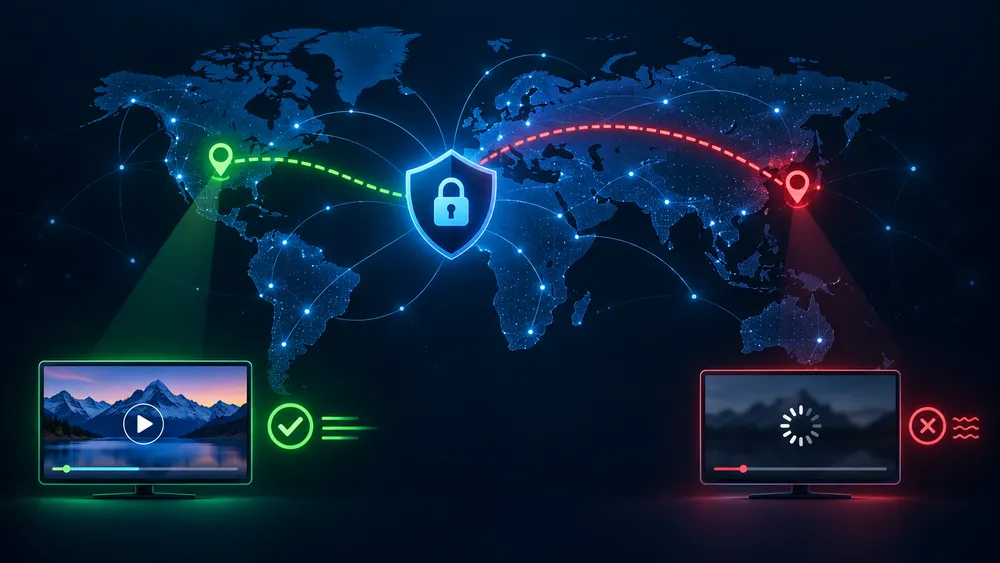
If you use a VPN for privacy, some VPN servers are slower than others. Try switching to a server closer to your physical location, or temporarily disable the VPN to see if streaming improves. See our guide on choosing the right VPN for IPTV for server recommendations.
Still Buffering After All This?
If none of these IPTV buffering fix steps worked and buffering continues, the issue is most likely server-side — an overloaded or unstable IPTV service. A reliable provider with optimized servers makes a real difference here. See our IPTV subscription plans for a service built for stable HD and 4K streaming.
FAQ: IPTV Buffering
Why does my IPTV keep buffering only during live sports?
Live events cause traffic spikes on both your network and your provider’s servers. The best IPTV buffering fix here is a wired connection and closing other apps during high-demand broadcasts.
Does a VPN cause buffering?
It can, if the server is far away or overloaded. Switch to a closer server or try without the VPN to compare.
What internet speed do I need for 4K IPTV?
At least 25 Mbps download speed, with a stable connection — Ethernet is strongly recommended for 4K.
Is buffering ever caused by my TV or streaming box?
Yes — older or low-RAM devices can struggle to decode high-bitrate streams smoothly, even with a fast connection.
For more IPTV buffering fix tips, check our full IPTV troubleshooting guide.